Make light dance.
In your browser.
One place to design, program, and run your whole LED show.
How it works
Four steps to your show.
01
Add LDP gear, or design yours in 3D.
Own LDP products? They're waiting in the community library — pixel-mapped, ready to drop in. Or build your own pixel by pixel in real-time 3D.
02
Add gear to your preview.
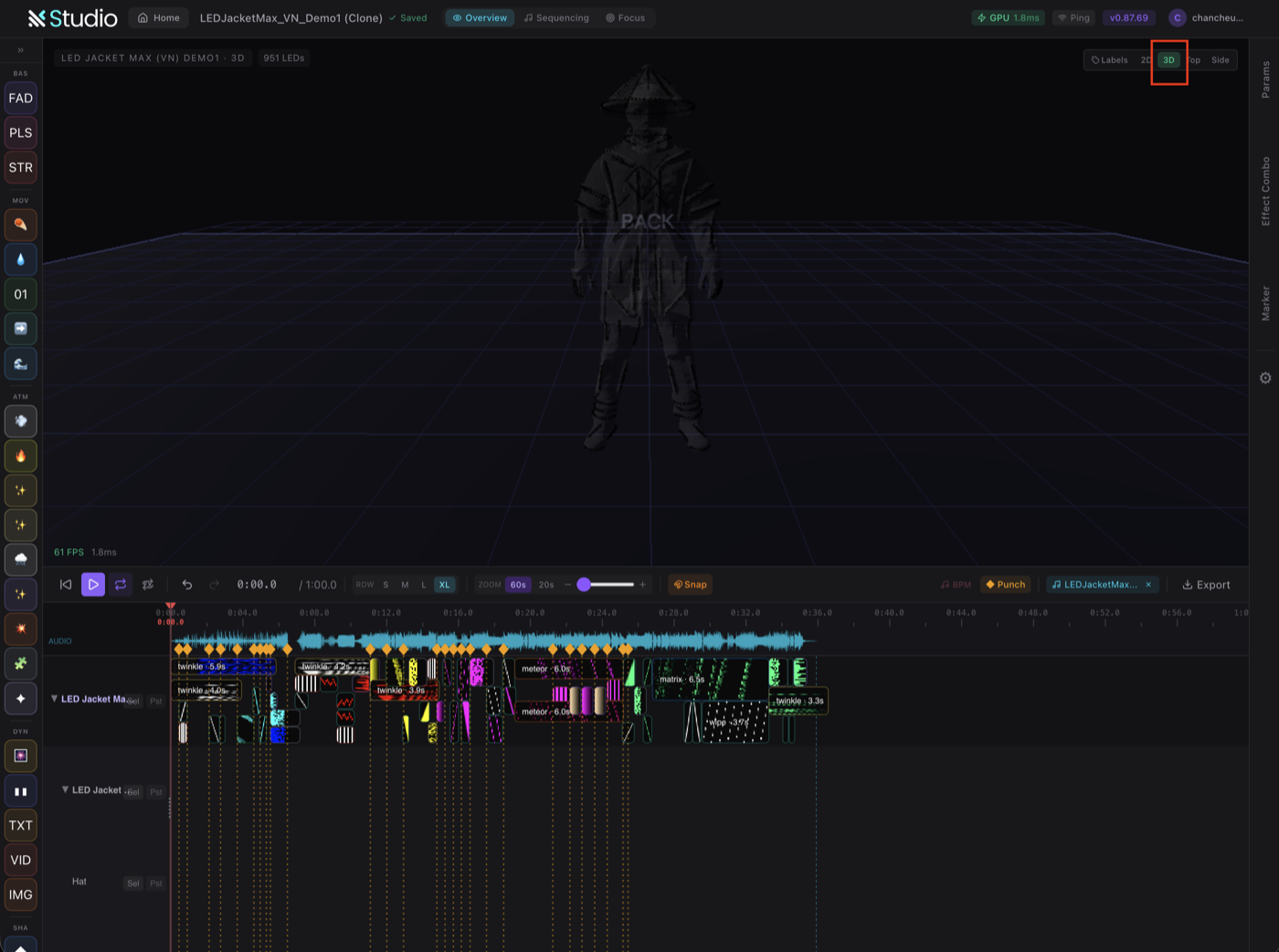
Pull your gear into the show preview — every costume and prop in one synced 3D view, exactly as it will look on stage.
03
Drop effects onto a timeline.
A timeline editor that thinks like an editor, not a programmer. Drag. Drop. Done.
04
Run the show. Anywhere.
Studio runs in any modern browser. Mac, Windows, the laptop you have backstage. No install. No license dongle.
Pro tip 01
AI co-pilot writes the rest.
Describe what you want — "make it pulse with the beat", "warm fade to sunrise" — AI generates the sequence. Iterate in chat.
Pro tip 02 · Community
Share in LDP Community.
Sequences and creativities shared by performers worldwide. Remix what works. Make it your own. Publish back if you want.
Browse the gallery→Why browser-first
No download. No license dongle.
No "minimum spec".
Legacy stage software
- × Windows-only installer
- × Hardware license dongle in USB
- × "Requires GPU XYZ"
- × Yearly subscription per seat
- × Backstage laptop installs differ
LDP Studio
- ✓ Open any modern browser
- ✓ Sign in. Project loaded.
- ✓ Mac, Windows, Chromebook
- ✓ Free during beta
- ✓ Same project, every device
Pairs with Hardware
Built for LDP gear out of the box.
Studio knows every LDP product's pixel layout, range, and protocol. Click "Use this costume" — pixels mapped instantly. No DMX patching, no manual addressing.
Compatible hardware →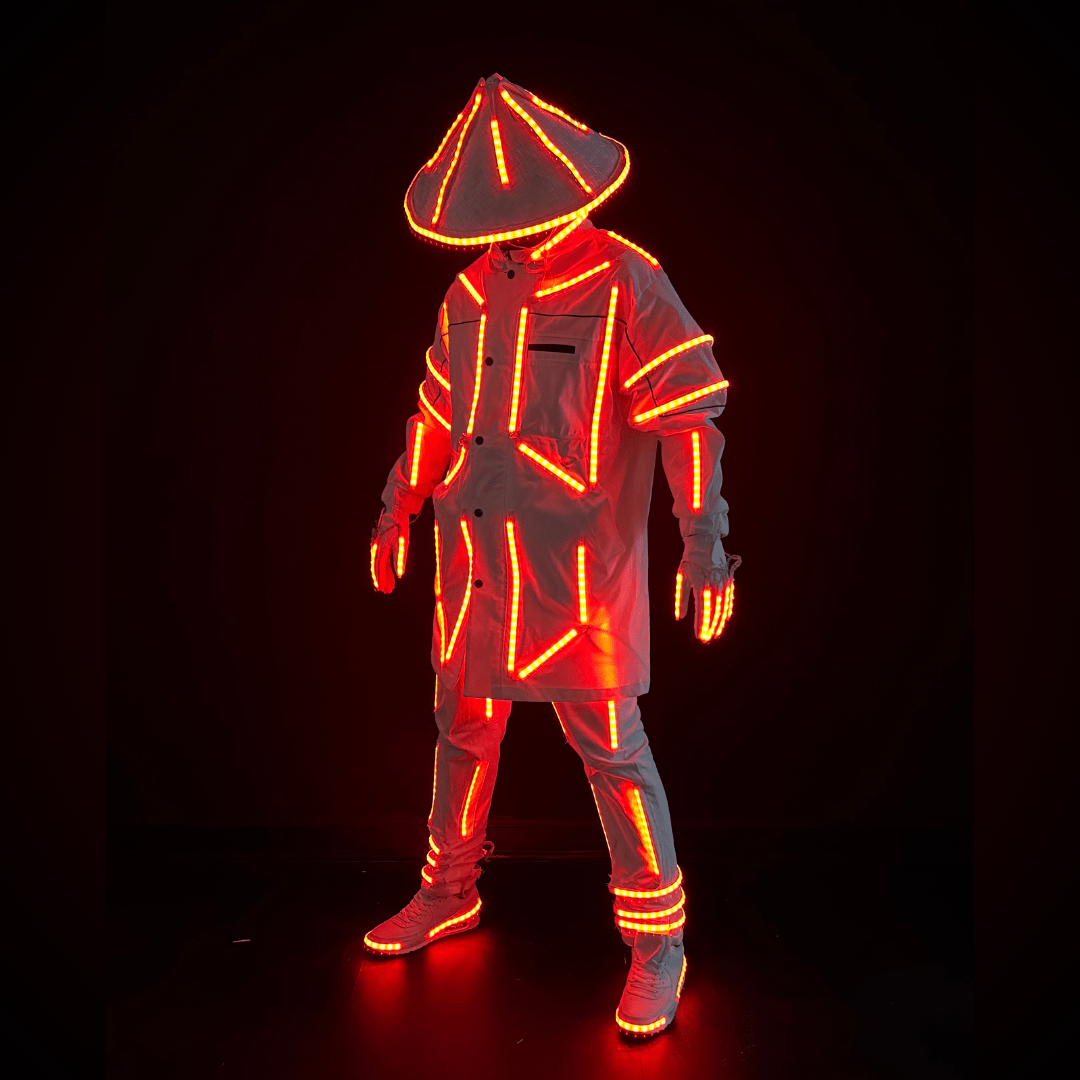
Pricing
Free. Ready when you are.
Studio is free during public beta. No credit card. No paywall on features. Use it on as many shows as you want.
Open Studio →